 How to & Tips
 Rip DVD
 by
by 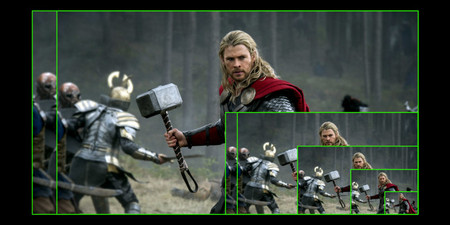
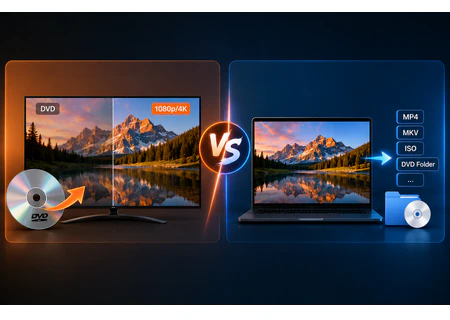
Most modern HDTVs and 4K TVs already scale lower-resolution video to the panel's native resolution. Many Blu-ray players and some DVD players also perform their own upscaling before sending the picture over HDMI. Because of this, a software-upscaled file is not automatically better than letting a good TV handle the job.
The most important point is that a 1080p or 4K output resolution does not create native HD or 4K detail. Upscaling estimates new pixels from the SD source. A well-processed result may look cleaner or more stable on a large screen, while an aggressive upscale can exaggerate compression artifacts, ringing, noise, or softness already present on the DVD.
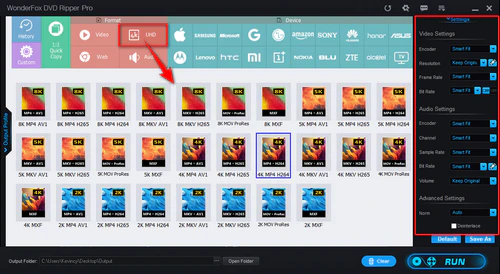
For that reason, higher is not always better. 1080p is often a practical target for DVD upscaling. You can choose 2K, 4K, or higher when a particular device or workflow calls for it, but the extra pixels also increase processing time and file size without adding true source detail.
Also, black borders are usually related to the source aspect ratio or letterboxing rather than resolution alone. Upscaling a DVD to 1080p will not automatically remove them. Keep the correct aspect ratio, and crop only actual black bars when necessary to avoid stretching or cutting off the picture.